DEVOPS & CI/CD
Netflix CI/CD Deployment
This project explores the process of building and deploying a containerized movie application using Docker, GitHub Actions, Amazon ECR and Amazon EC2. It helped me understand how container images move from a development repository to a cloud-hosted application.
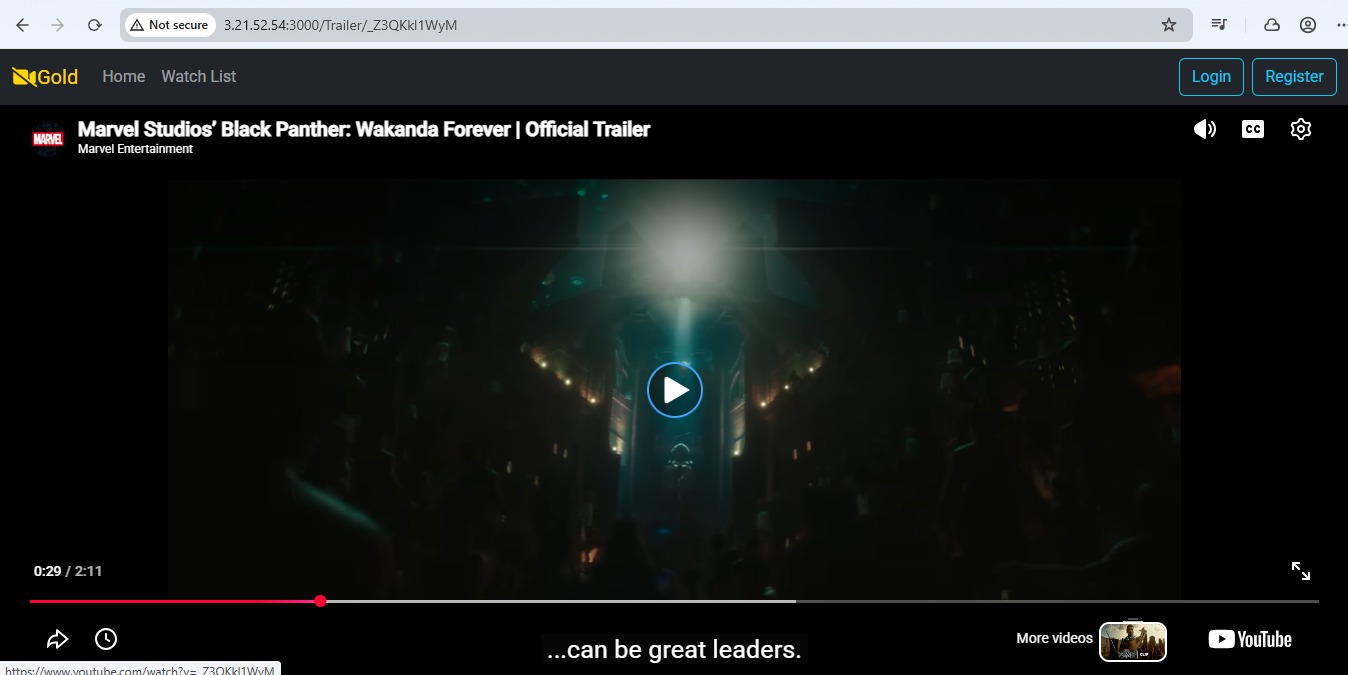
PROJECT WALKTHROUGH
Watch the deployment
PROJECT OVERVIEW
From source code to running containers
The goal was to explore a practical container deployment path for a movie application. The project connects source code in GitHub with a CI/CD workflow that builds container images, publishes them to Amazon ECR, and runs the tagged images on an EC2 server.
This flow makes the image handoff between development and the cloud environment easier to follow. The workflow below summarizes the stages covered by the project.
CI/CD WORKFLOW
The deployment path
Follow the image from its source through the registry to the EC2 host.
- 01
GitHub repository
Application source is stored in GitHub.
- 02
GitHub Actions
The workflow runs from the repository.
- 03
Build Docker images
Build the frontend and backend images.
- 04
Push to Amazon ECR
Publish the tagged images to their repositories.
- 05
Pull images on EC2
Pull the intended image tags onto the server.
- 06
Run containers
Start the application containers on EC2.
IMPLEMENTATION
Containers, registry and EC2
The frontend and backend are packaged as separate Docker images. The images are pushed to Amazon ECR repositories, then the selected tags are pulled onto an EC2 instance and run as application containers.
GitHub Actions is part of the CI/CD workflow for building and publishing the images. This page describes the documented stages without claiming that every EC2 deployment step runs automatically.
TOOLS & SERVICES
Technologies used
- GitHub
- GitHub Actions
- Docker
- Amazon Elastic Container Registry (ECR)
- Amazon EC2
- Linux
CHALLENGE & LESSON LEARNED
Check the image tag first
Image tags matter when pulling from Amazon ECR. Pulling a default or incorrect tag instead of the intended version can make troubleshooting confusing because the server may receive a different image than expected.
Before investigating permissions, confirm that the image repository and tag in the pull command match the image that was pushed. This simple check helps distinguish a naming or version mismatch from an access issue.
PROJECT LINKS
Related resources
A project-specific GitHub repository link was not available in the current website or project files.